






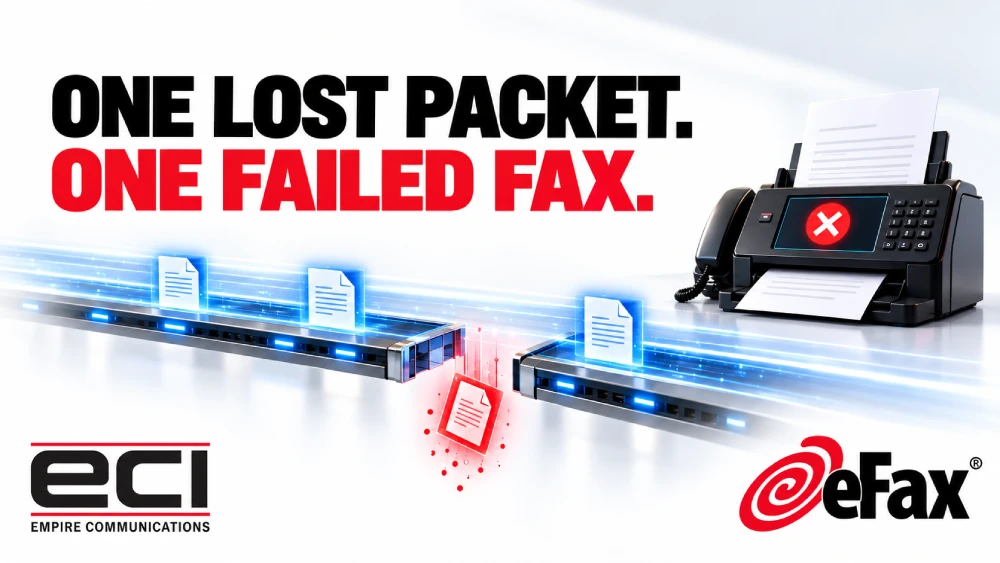
Why Faxing Over VoIP Can Be Unreliable
Your new VoIP system is in. Calls sound clear, people can work from anywhere, and everything seems fine.
Then someone tries to send a fax. The machine beeps, screeches, and produces a transmission error. You try again. It fails again.
The problem is usually not the fax machine or the phone system on its own. Traditional fax machines and VoIP simply do not always work well together.
Why do fax machines struggle with VoIP?
Fax machines were built to send audio tones over analog telephone lines. VoIP converts the audio into digital packets and sends those packets over the internet.
Voice calls can tolerate a brief gap. Someone says, “Sorry, could you repeat that?” and the conversation continues. Fax machines are less forgiving. A missing or delayed packet can drop a page or cancel the whole transmission. The machine will not ask you to try again; it just prints an error and stops.
What can cause a fax to fail over VoIP?
Packet loss. Even a small gap in the data can interrupt the fax tones and cause the transmission to fail. Longer documents give more opportunities for something to go wrong.
Jitter and delay. Packets do not always arrive at even intervals. Fax machines rely on precise timing. If information arrives too early, too late, or out of order, the connection can drop.
Voice compression. VoIP systems often compress audio to save bandwidth. That works for speech. Fax tones cannot always be compressed the same way. If the codec changes the signal, the receiving machine may not understand it.
Protocol support. T.38 is designed to improve faxing over IP networks, but it must be supported and configured correctly across every part of the path. If any segment does not support it, the fax can fail or become unreliable.
Does faxing over VoIP ever work?
Sometimes, yes. With the right adapter, codecs, and a stable connection, short faxes can go through. The problem is consistency. A document may succeed one day and fail the next. Short pages may work while longer contracts or medical records do not.
For occasional, non-critical faxing, this may be acceptable. For healthcare, legal, real estate, or manufacturing teams that need documents to arrive reliably, “it usually works” is not enough.
How is cloud faxing different?
eFax removes the fax machine and the analog adapter from the process. Employees send and receive faxes through regular email. Someone faxes your number, and the document arrives as a PDF in an authorized inbox.
To send, an employee emails the recipient’s fax number with the file attached. A notification confirms delivery.
No waiting beside the machine. No repeated redials. No dedicated fax line. No troubleshooting VoIP adapters.
Keep your number. Keep data in Canada.
In most cases, you can transfer your existing fax number so partners keep using the same number. ECI coordinates the port and tests inbound and outbound faxing.
eFax Corporate uses TLS in transit and AES 256-bit encryption at rest, with delivery confirmations and audit trails. With ECI, fax data stays in a Canadian data centre. These tools support privacy responsibilities; they do not automatically make an organization compliant.
What ECI includes
- 200 combined inbound and outbound pages per month
- Plans are available for different monthly page volumes, including 200, 500, 1,000 and 3,000 pages.
- Up to five authorized users
- Canadian data residency
- Help transferring your existing number
- Setup, testing, and Tier 1 support from ECI
Higher volumes are available. Local support is available from Cambridge and Windsor for the Kitchener-Waterloo area, the GTA, and Southwestern Ontario.
A more reliable way to keep faxing
Moving your phones to VoIP does not mean you have to stop faxing. It may simply be the right time to separate faxing from the telephone system.
If your fax machine and VoIP system are not getting along, ECI can help them part ways. You keep the number. The machine, the analog line, and the paper jams can retire.
Talk with ECI about eFax
Contact Empire Communications Inc. to arrange a demonstration or test with a temporary fax number.
Phone: 519-624-9134
Email: sales@ecitech.ca